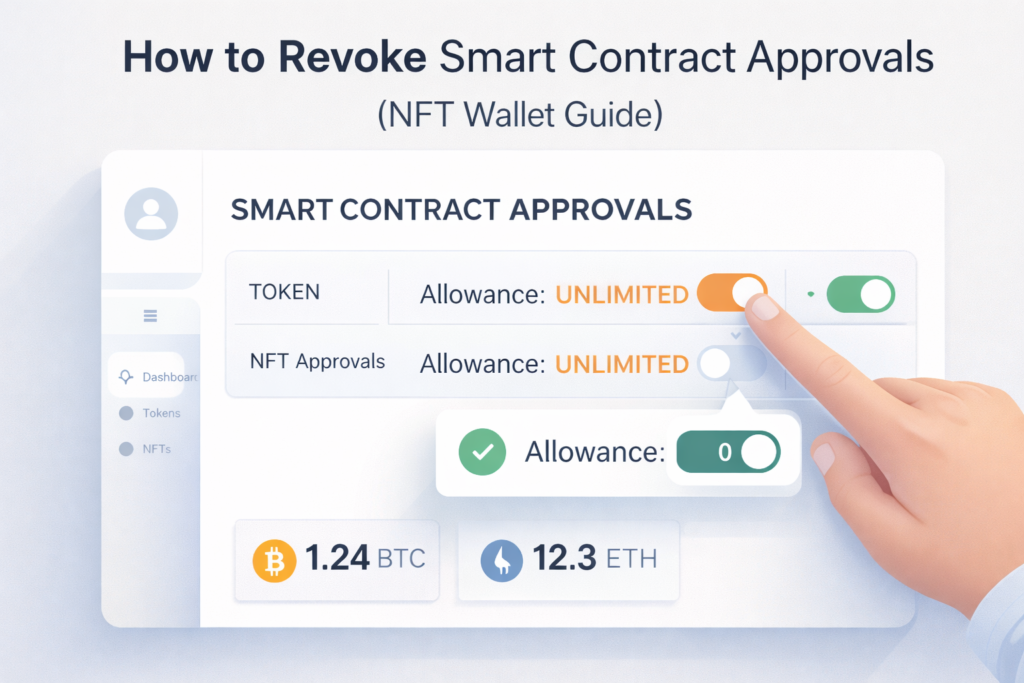
How to Revoke Smart Contract Approvals (NFT Wallet Guide)
If you’ve ever connected your wallet to a mint page, marketplace, or NFT project, you may have granted smart contract permissions (also called token approvals or wallet approvals).
Over time, those permissions can become risky — especially if you approved unlimited token access or interacted with a project that later gets exploited.
This guide explains how to revoke smart contract approvals step-by-step, how to identify risky approvals, and how to protect your crypto assets from wallet drain attacks.
If you’re new to wallet security, start with our guide to choosing the best NFT wallets for beginners before interacting with blockchain applications.
Quick Checklist: When You Should Revoke Smart Contract Approvals
If any of these are true, you should revoke smart contract approvals immediately:
- You approved an unlimited allowance for a token or NFT
- You minted from an unknown project or clicked a suspicious link
- You no longer use the dApp / marketplace you approved
- You notice unusual wallet activity or unexpected transfers
- You had a phishing scare or connected your wallet to the wrong site
If you think you already signed something dangerous, follow: what to do if your NFT wallet is compromised.
What Are Smart Contract Approvals?
When you approve a transaction, you give a smart contract permission to interact with:
- Your tokens
- Your NFTs
- Your wallet balance (within the permission scope you granted)
Some approvals are limited.
Others grant unlimited token access — which is where risk begins, because approvals can remain active long after you forget about them.
If you’re unsure how malicious contracts work, read our explanation of what is a malicious smart contract.
For a broader security foundation, see NFT wallet safety & management.
Why You Should Revoke Smart Contract Approvals
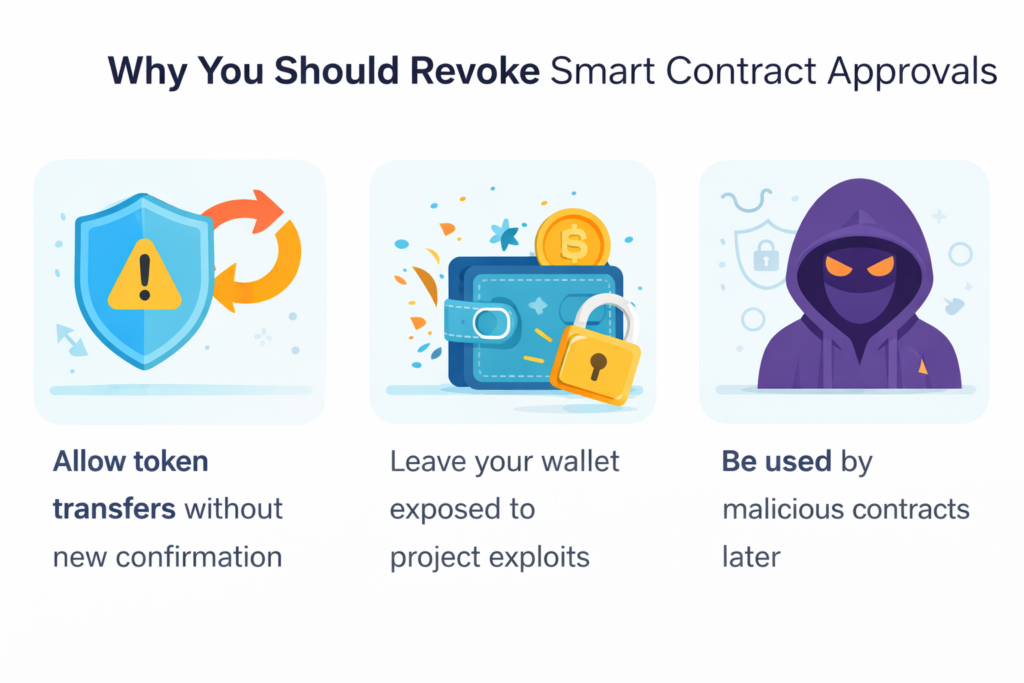
Old approvals can:
- Allow token transfers without new confirmation
- Leave your wallet exposed to project exploits
- Be used by malicious contracts later (even if the approval is months old)
Blockchain transactions are irreversible — prevention matters.
If you want broader scam awareness, see our full guide on how to avoid NFT scams and the most common NFT scams.
To understand how drainers use approvals, read: how wallet drainers steal NFTs.
How to Revoke Smart Contract Approvals (Step-by-Step)
Step 1: Use a Blockchain Explorer or Approval Tool
To revoke smart contract approvals, you’ll need to inspect your wallet permissions using trusted tools.
Some of the best NFT tools for beginners allow you to review token approvals and revoke access safely.
Common method:
- Connect your wallet to a token approval checker
- View all active permissions
- Identify unused or suspicious approvals
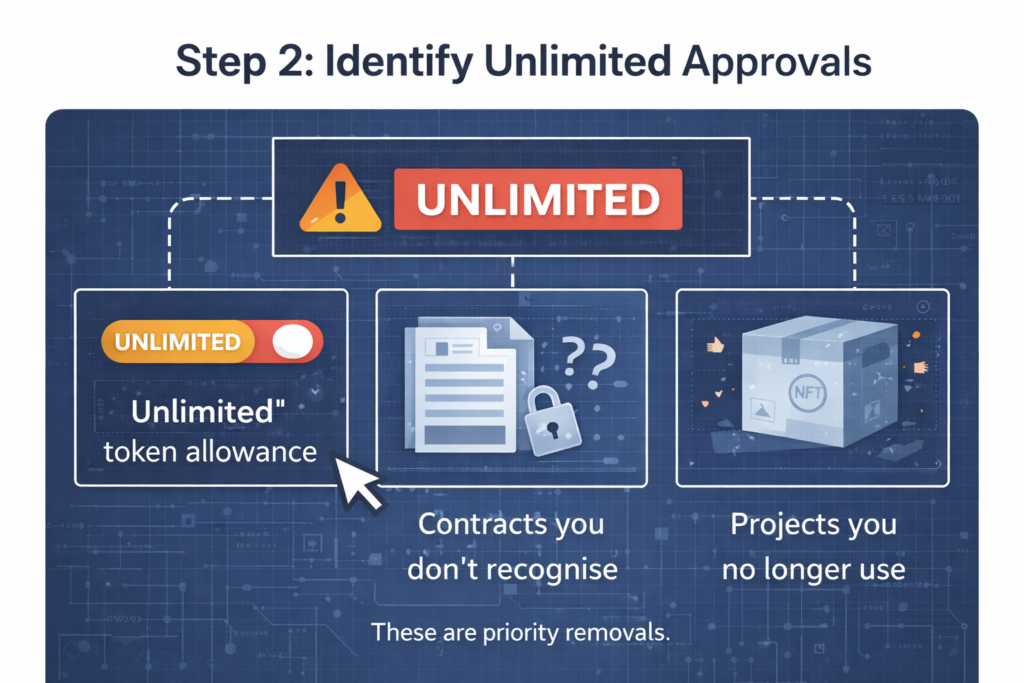
Step 2: Identify Unlimited Approvals
Look for:
- “Unlimited” token allowance
- Contracts you don’t recognise
- Projects you no longer use
These are priority removals when learning how to revoke smart contract approvals safely.
Step 3: Revoke the Approval
Select:
- Revoke
- Remove permission
- Set allowance to 0
Confirm the transaction in your wallet. You will pay a small gas fee.
If you’re unsure what gas fees are, read: what are gas fees in NFTs.
Step 4: Confirm Removal
After revoking:
- Refresh the approval dashboard
- Confirm allowance is set to 0
- Double-check token list
Repeat for all unnecessary approvals.
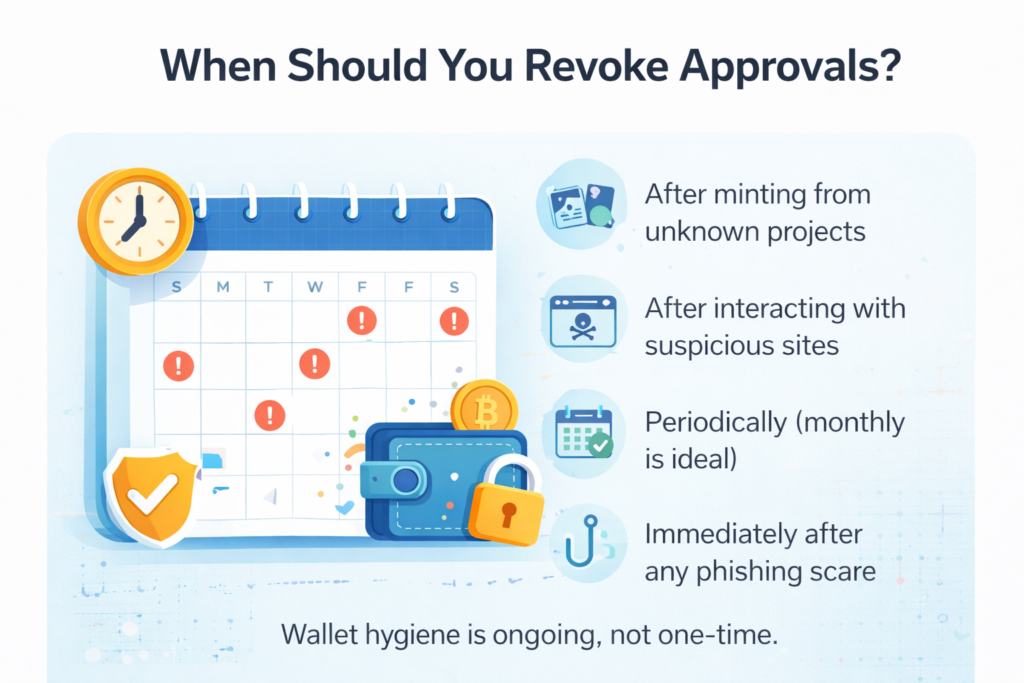
When Should You Revoke Approvals?
You should revoke smart contract approvals:
- After minting from unknown projects
- After interacting with suspicious sites
- Periodically (monthly is ideal)
- Immediately after any phishing scare
Wallet hygiene is ongoing, not one-time.
For ongoing protection, consider also reading: how to monitor wallet activity.
Can Revoking Approvals Prevent Wallet Drains?
Yes — if the malicious contract has not yet executed.
Revoking permissions removes the contract’s ability to move assets within the scope you previously approved. However, it cannot reverse completed transactions.
If you want a step-by-step emergency response plan, use: what to do if your NFT wallet is compromised.
Final Thoughts
Learning how to revoke smart contract approvals is one of the most important NFT security habits.
Protect your wallet by:
- Using secure NFT wallets
- Separating mint and storage wallets
- Reviewing approvals regularly
- Avoiding unlimited allowances
Blockchain gives you control. Security comes from using it carefully.