Best NFT Portfolio Trackers for Beginners (Free & Paid Tools Compared)
Tracking NFTs manually becomes difficult very quickly — especially once you own more than a few NFTs or start using multiple wallets.
Last reviewed: September 2026
We only include trackers that are reputable and genuinely useful for beginners — chosen for clarity, wallet coverage and practical value, not hype or paid placement.
In this guide, we’ll break down the best NFT portfolio trackers for beginners, explain how NFT portfolio tracking works, compare free vs paid tools, and help you choose the right tracker based on your experience level.
What Is an NFT Portfolio Tracker?#
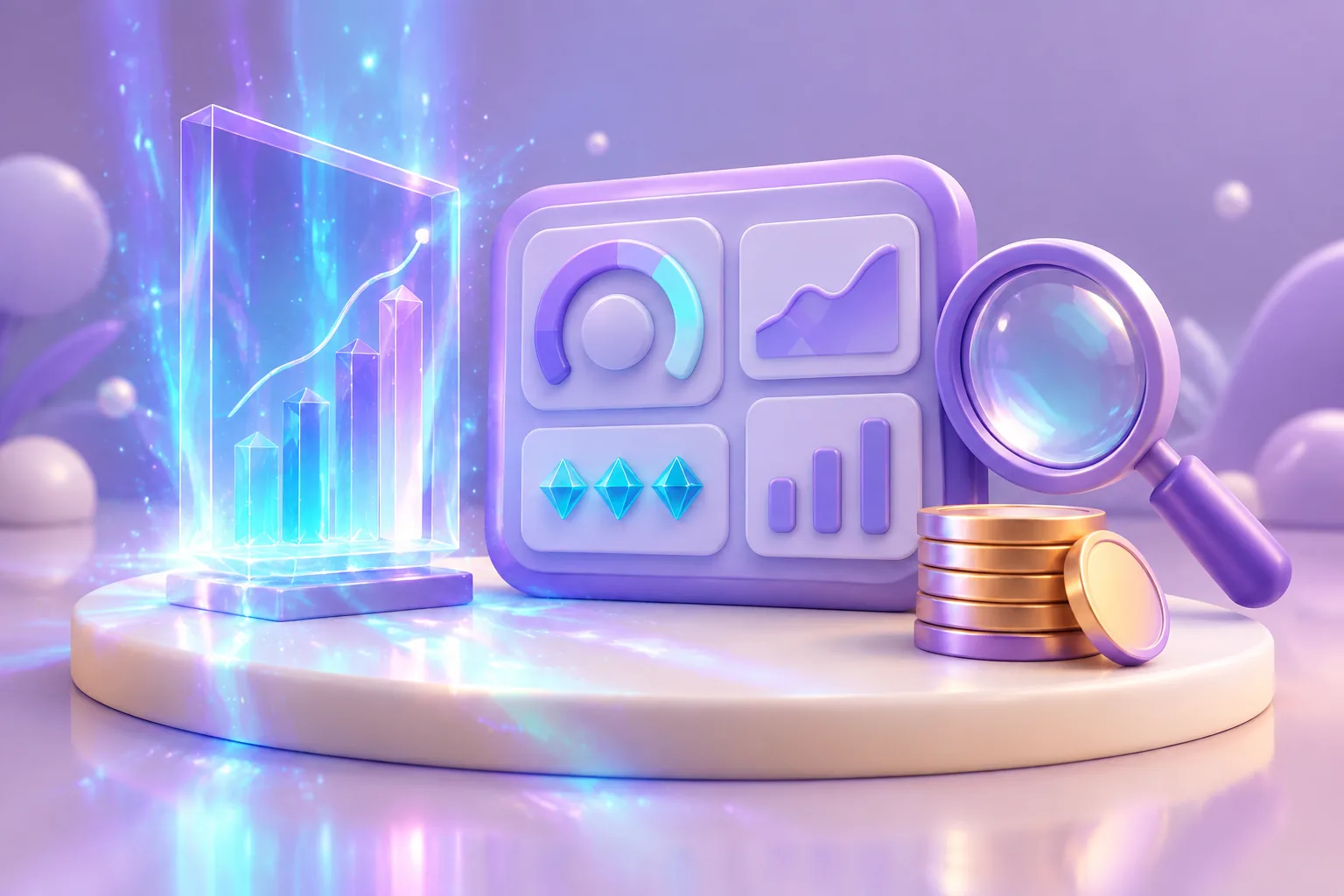
An NFT portfolio tracker is a tool that helps you monitor NFTs you own across one or more wallets.

Most NFT portfolio tracking tools allow you to:
- Track NFTs across wallets automatically
- View estimated portfolio value
- Monitor floor price changes
- See transaction history
- Track performance over time

Instead of checking marketplaces manually, a tracker pulls this data together in one dashboard.
One thing beginners often mix up: a portfolio tracker watches the NFTs you already own. That’s different from NFT analytics tools, which watch market behaviour across collections — use a tracker for your own assets first, analytics for researching what’s next.
Why Beginners Should Use an NFT Portfolio Tracker#
Beginners often underestimate how quickly NFT portfolios become hard to manage.
Using an NFT portfolio tracker helps beginners:
- Avoid missing important activity
- Spot unusual wallet behaviour early
- Track value without emotional decision-making
- Understand performance trends over time
Portfolio tracking isn’t about flipping — it’s about visibility and control.
How NFT Portfolio Trackers Work#
Most NFT portfolio trackers work by connecting to your public wallet address.
Important clarification for beginners:
- You do not need to sign transactions
- You do not give spending permissions
- The tool only reads public blockchain data
This makes NFT portfolio trackers much safer than tools that require wallet approvals.
For safe wallet setup, see best NFT wallets for beginners.
Best NFT Portfolio Trackers for Beginners#
Below are the best NFT portfolio trackers for beginners, compared side by side. Each has different strengths — and all can read a public wallet address without taking control of it.
| Tracker | Free tier | Supported chains | Wallet connection needed? | Best suited for |
|---|---|---|---|---|
| DeBank | Yes (paid VIP optional) | 100+ EVM chains | No — paste or watch any address | Everyday multi-chain overview |
| Zerion | Yes (Premium adds profit & loss) | 40+ EVM chains | No — watch addresses; connect only to manage | Clean beginner/mobile tracking |
| Nansen Portfolio | Free tier (Pro paid) | 17+ chains, incl. Solana | Email account; add wallets by address | Deeper analytics as you grow |
| OpenSea Portfolio | Yes | EVM + Solana | Yes — link wallets to your account | Simple tracking inside the marketplace |
1 DeBank#
Best for: Everyday multi-chain portfolio tracking
DeBank is a free multi-chain portfolio dashboard that shows your tokens, NFTs and DeFi positions across many networks in one place.

Key features:
- Multi-chain portfolio overview
- NFT and token balances in one dashboard
- Transaction history and DeFi positions
- Watch other wallet addresses
Pros:
- Free to use
- Clean, beginner-readable dashboard
- Broad chain coverage
Cons:
- Less NFT-specific guidance than dedicated tools
DeBank works well if you want a clear everyday overview of what your wallet holds rather than deep analytics.
2 Zerion#
Best for: Beginner-friendly tracking, especially on mobile
Zerion is a free portfolio tracker and wallet app that shows your tokens, NFTs and DeFi positions across 40+ EVM-compatible chains in a clean dashboard.
Key features:
- Tokens, NFTs and transaction history in one view
- Watch any wallet address without connecting
- Connect or import wallets only if you want to manage them in-app
Pros:
- Core tracking is free
- Beginner-friendly design on web and mobile
- Track several wallets in one overview
Cons:
- EVM chains only — no Solana or Bitcoin
- Advanced profit-and-loss features need Premium
Zerion suits beginners who want an app-style dashboard. Because you can watch addresses without connecting a wallet, it stays read-only until you choose otherwise.
3 Nansen Portfolio#
Best for: More advanced portfolio and wallet analytics
Nansen Portfolio is a tracking product from Nansen, an established on-chain analytics company. It follows wallets, NFTs and DeFi positions across 17+ chains (including Solana) and adds labelled wallet data that shows how active traders move funds. A free tier is available; the Pro plan adds deeper analytics. Note: Nansen retired its dedicated NFT analytics section in May 2025, but NFT holdings are still tracked inside Portfolio.
Key features:
- Multi-chain wallet and NFT tracking
- Labelled “smart money” wallet data
- Analytics and alerts beyond basic balances
Pros:
- Deeper analytics than basic trackers
- Useful for understanding how active wallets behave
- Established on-chain analytics company
Cons:
- The deepest analytics sit behind the paid Pro plan
- More complex than most beginners need at first
Nansen Portfolio suits readers who have outgrown simple balance tracking. Most beginners start with a free dashboard like DeBank, then move to deeper analytics later.
4 OpenSea Portfolio View#
Best for: Simple tracking inside a marketplace
OpenSea’s Portfolio tab shows the combined estimated value of your linked wallets — NFTs and tokens — across Ethereum and Solana, with a visual heatmap and per-collection values. It requires connecting an OpenSea account and linking your wallet (up to ten wallets per account).

Key features:
- View owned NFTs with collection-level values
- Portfolio value in USD/ETH with a holdings heatmap
- Easy access to listings
Pros:
- No separate tool to set up
- Familiar interface
Cons:
- Requires linking wallets to an OpenSea account
- Fewer analytics than dedicated trackers
Good enough for a quick value check while you browse — but most users eventually want a dedicated multi-chain tracker alongside it.
For the venue behind the view — current status, fees and supported chains — our sister site keeps an evidence-based verified OpenSea profile.
Free vs Paid NFT Portfolio Trackers#
Many beginners ask whether free NFT portfolio trackers are enough. The complete comparison is in free vs paid NFT tools.
Free NFT Portfolio Trackers#
Good for:
- Small portfolios
- Learning how tracking works
- Basic visibility
Limitations:
- Fewer analytics
- Delayed data
- Limited history
Paid NFT Portfolio Trackers#
Better for:
- Multiple wallets
- Long-term holders
- Performance tracking
Paid tools often provide:
- Historical pricing
- Advanced insights
- Better reporting
Are NFT Portfolio Trackers Safe?#
Generally, yes — if used correctly.
Safe NFT portfolio trackers:
- Only require your public wallet address
- Do not request transaction approvals
- Do not ask for private keys
Avoid any “tracker” that asks you to:
- Sign transactions
- Approve spending
- Enter your seed phrase
If unsure, review the NFT security checklist for beginners.
How to Choose the Best NFT Portfolio Tracker for You#
Ask yourself:
- How many wallets do I use?
- Do I want long-term tracking or short-term insights?
- Do I need cross-chain support?
- Am I comfortable upgrading later?
There is no single best NFT portfolio tracker — only the best one for your needs.
And if you’re still deciding which wallet to pair with a tracker, our NFT Wallet Picker can help you narrow it down first.
Common Beginner Mistakes When Tracking NFTs#
Avoid these mistakes:
- Relying only on floor price
- Ignoring transaction history
- Forgetting to monitor wallet activity
- Using tools that require permissions
Tracking is about awareness, not prediction.
What to read next#
If you want deeper insight after setting up a tracker:
These pages build on what you’ve learned here.
Bottom line#
For most beginners, a portfolio tracker is worth it — it helps you:
- Stay organised
- Reduce mistakes
- Understand performance
- Make calmer decisions
It’s one of the simplest upgrades you can make as you grow.