Lost Access to Your NFT Wallet? Can You Recover Your NFTs?
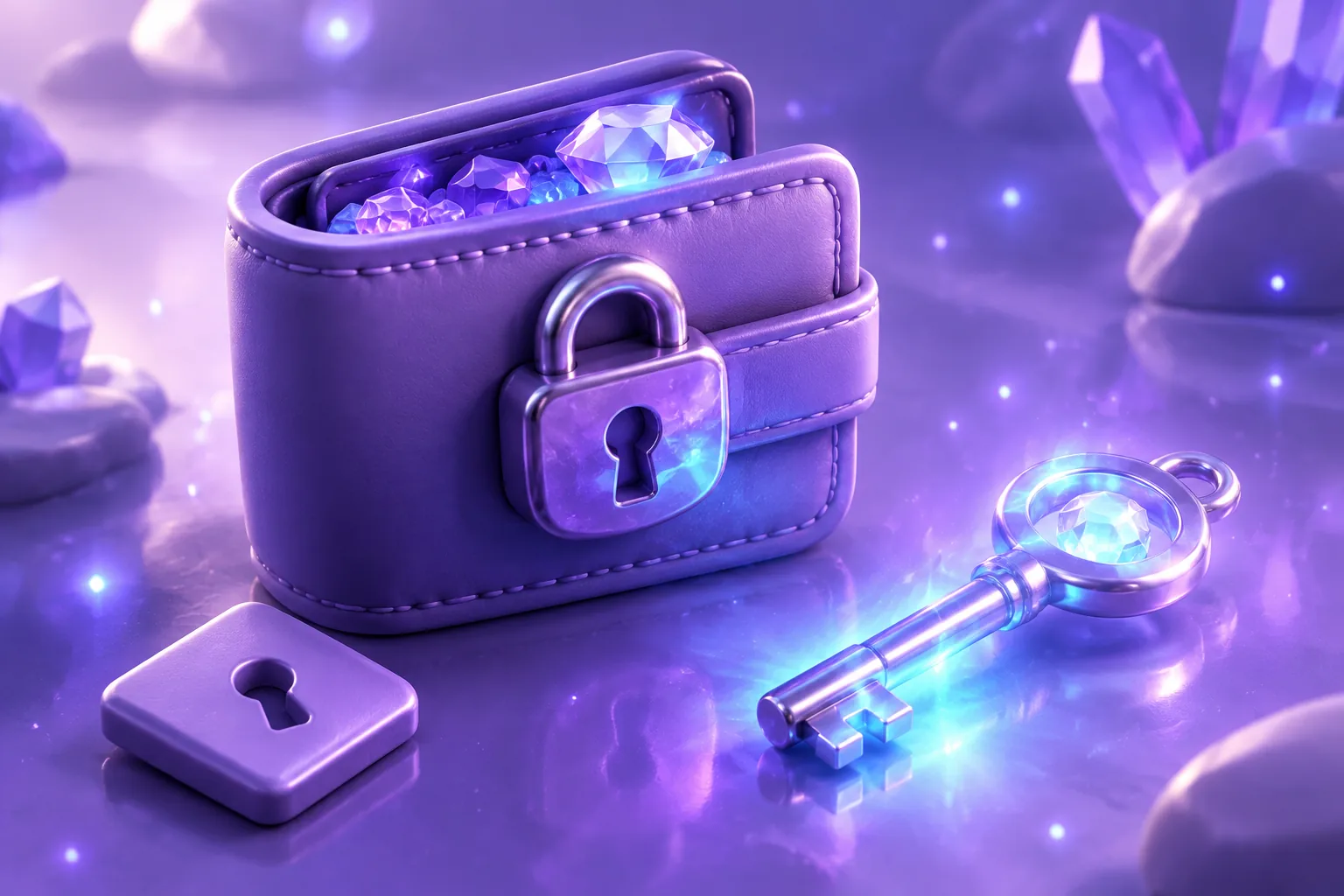
You cannot get into your NFT wallet — a lost phone, a forgotten password, a recovery phrase you cannot find. Before anything else, one fact matters: your NFTs are recorded on the blockchain, not stored inside the wallet app. The wallet holds the keys that control the address. Recovery is really about whether you can still produce those keys.
Facing a different wallet problem? The NFT help tool maps common problems to the right guide.
Last reviewed: September 2026
Disclosure: some links in this article are affiliate or referral links. If you sign up through one we may earn a commission, at no extra cost to you. It doesn’t affect what we recommend — here’s how we make money.
Work through this in order. The single most dangerous moment in a lockout is the panic click — most irreversible losses happen after the original problem, when someone searches for help and lands on a fake “recovery service”.
First: work out which access model you have#
The recovery path depends on how your wallet holds keys:
- Self-custody wallet (MetaMask, Phantom, Solflare and similar): you hold a recovery phrase — usually 12 or 24 words — that mathematically regenerates your keys. The provider cannot reset it for you.
- Social-login or embedded wallet: access may depend on your Google, Apple or Telegram account, a passkey, or recovery shares held by the provider. Recovery follows that provider’s account-recovery flow rather than a seed phrase. Current MetaMask, for example, supports restoring a wallet via Google or Apple sign-in in addition to the Secret Recovery Phrase.
- Exchange or custodial account (an NFT held on a platform rather than your own wallet): access is the platform account itself — recover it through that platform’s account-recovery process.
If you were given a recovery phrase, that may indicate a self-custody wallet — but first confirm that it is the wallet/account that actually holds the NFT.
If you still have the recovery phrase#
This is the good scenario. Lost device, deleted app, forgotten password — none of it matters while you hold the phrase:
- Install the wallet app fresh (from the official site or app store — fake wallet apps are common).
- Choose the import/restore option (“I already have a wallet” or equivalent) and enter the phrase exactly: correct order, correct spelling, one word per field or space-separated depending on the app.
- Set a new device password — the old one is irrelevant.
Two notes from current wallet documentation worth knowing: MetaMask advises importing an SRP into an existing install rather than resetting the wallet, because a reset wipes accounts already on the device. Phantom restores accounts that had onchain activity oldest-first, so an account that never held anything may not reappear automatically — add it manually before assuming funds are missing.

If the phrase is rejected#
“Invalid secret recovery phrase” almost always means a typo, wrong word order, or the wrong wordlist — wallet phrases use the BIP-39 English word list, so check spelling against it. If the words are correct but the wallet still will not import, the phrase may belong to a different wallet than the one holding your NFTs, or the original wallet used a derivation path the new app does not derive. Check where the wallet was originally created, and if you still have access on another device, re-export the phrase or private key from that app while you can.
If the recovery phrase is genuinely lost#
Be honest about which scenario you are in:
- Phrase lost, but you still have access (the app is open and working on some device): treat this as an emergency backup task, not a recovery. Reveal/re-export the phrase or key from inside the app while access lasts — MetaMask, for instance, lets an unlocked extension reveal the SRP — write it down properly, then consider migrating assets to a fresh wallet whose phrase you control.
- Phrase lost, password known, extension vault file still exists: MetaMask documents a vault-decryptor path that can recover the SRP if you know the password and the browser profile’s vault data survives. It is extension-only, technical, and not available on mobile — but it is a real last resort.
- Phrase lost and no working access anywhere: for a pure self-custody wallet, the assets are cryptographically unreachable. No support team, recovery service, or software can bypass that — anyone who claims otherwise is describing theft. When you reach this point, stop: further “recovery” attempts mostly expose you to scams, not the assets.

Restored the wallet but your NFTs look missing?#
Usually a display issue, not a loss. Wallet apps filter what they show — Phantom, for example, may hide collectibles it cannot verify through supported sources, and the Collectibles tab can fail to appear on mobile if nothing is verified. The NFT is still at your address on-chain.
Verify on the blockchain, not in the app: open the explorer for the relevant network (or your profile on OpenSea/Magic Eden) and look up your wallet address. If the NFT is at your address, it is fine — pin it in the wallet UI or resurface the collectibles view rather than assuming it is gone. If the address shows no NFT and you expected one, check whether you restored the correct account — imported phrases can produce multiple accounts, and a different account means a different address.
Lost access vs compromised — how to tell#
If your wallet is merely inaccessible, your assets are where you left them. If it is compromised, someone else may be moving them. The tell is on-chain activity: check your address on an explorer. Incoming NFTs you never bought are not a compromise — see what to do about unexpected NFTs. But assets leaving, approvals you never made, or a wallet that behaves differently than you left it mean treat it as theft: what to do if your NFT wallet is compromised covers that path, and revoking approvals is often the urgent step.
What never to share — ever#
- Your recovery phrase or private key. No legitimate support team (MetaMask, Phantom, marketplace, exchange) will ever ask for it — their help pages say so explicitly. Whoever asks is the thief.
- “Verification” links sent by DM or email to “help” recover your wallet.
- Paid recovery services. For self-custody, there is nothing to sell you — the phrase either exists or it does not.
Searching “recover my crypto wallet” is one of the most phished queries in this space. Type wallet and support URLs yourself; never arrive via a link someone sent you.
For next time#
Once you are back in — or once you accept the loss — NFT wallet safety management covers backup discipline, and a hardware wallet is a legitimate consideration for anything you would genuinely miss. The goal is that one lost phone never again means a lost collection.

Bottom line#
NFTs live on-chain; recovery is about the keys. If you still have the correct recovery credentials, many common lockouts can be resolved. Without it — and without working access or a social-login path — self-custody assets are unreachable by design. Check the address on an explorer before assuming anything is gone, and share your phrase with no one.
What to read next#
- What to Do If Your NFT Wallet Is Compromised (Step-by-Step Guide)
- NFT Wallet Safety & Management: How to Secure, Track & Protect Your NFTs Long-Term
- Best NFT Wallets for Beginners: Safe & Easy Options to Get Started
- How to Monitor Wallet Activity (Beginner’s Guide to NFT Safety)
- What Happens to Your NFT If the Marketplace Shuts Down?